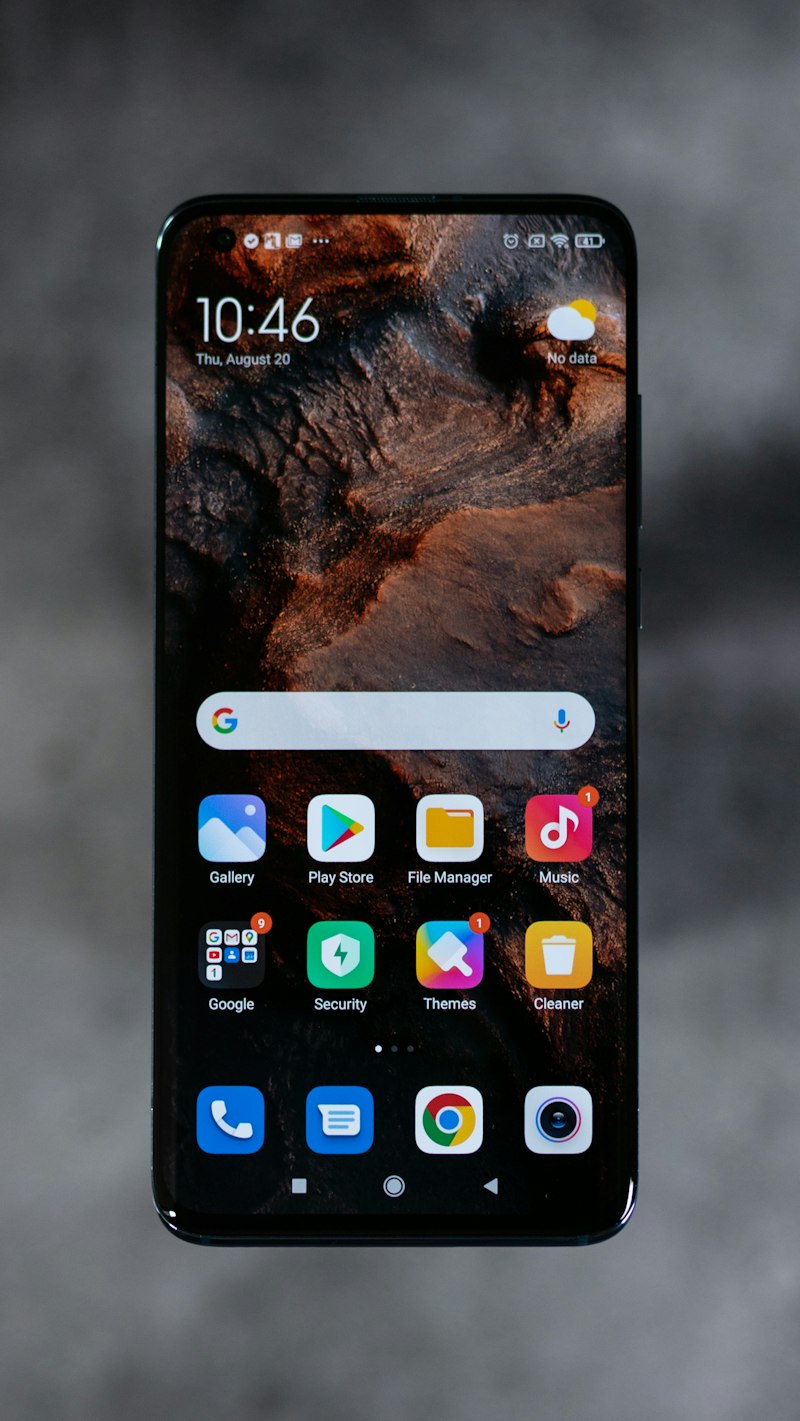
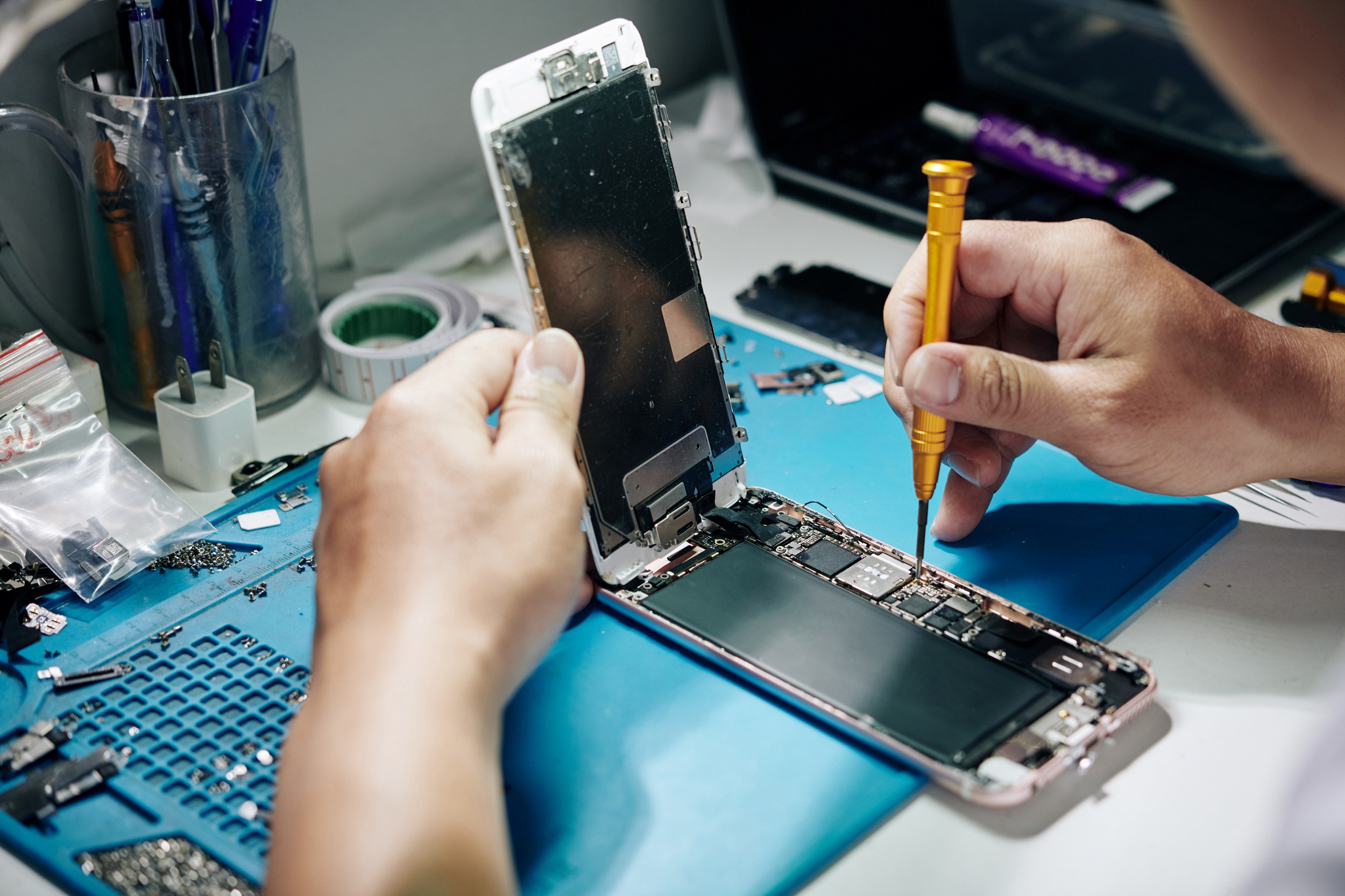
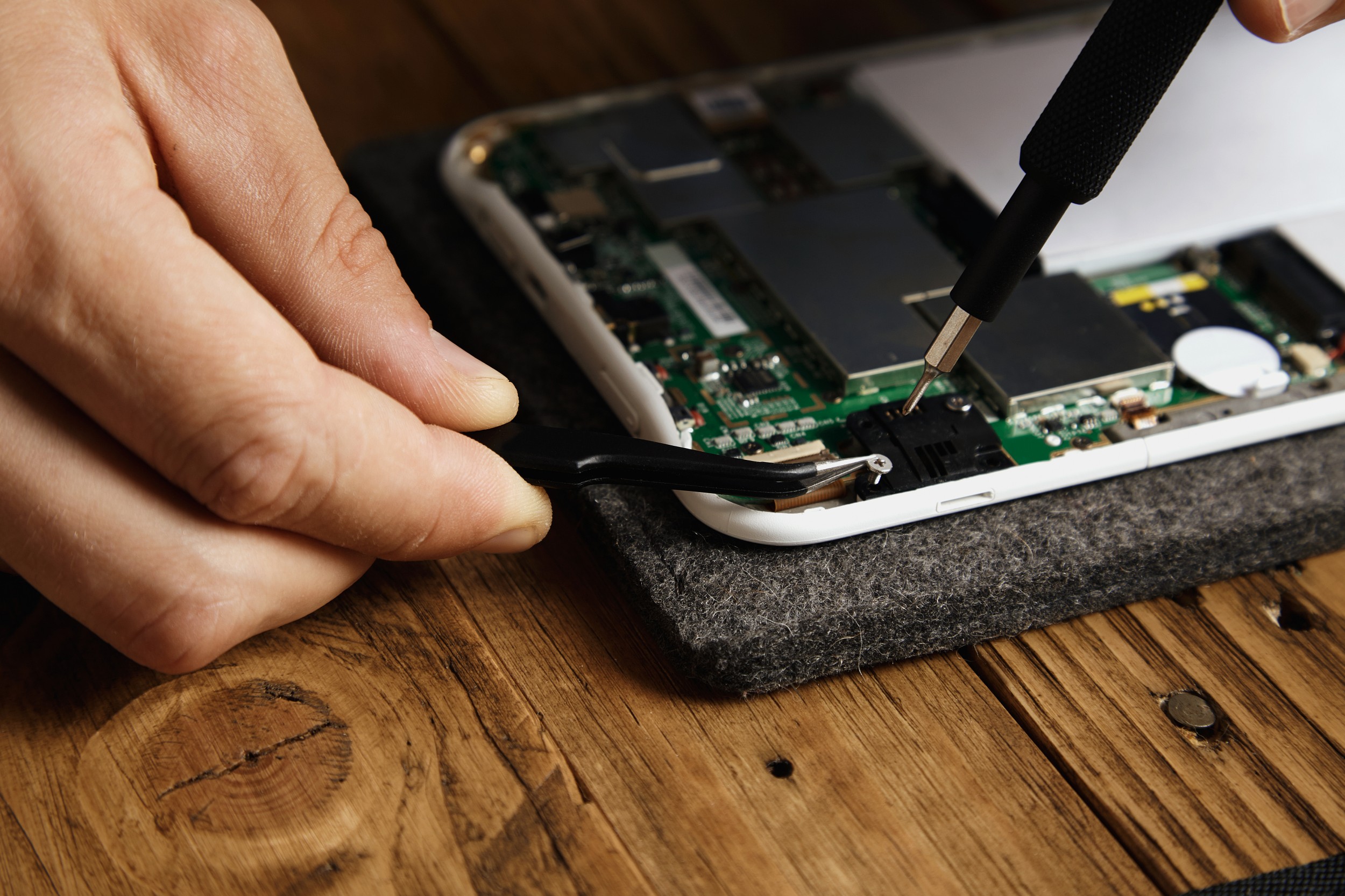
iPhone Repair
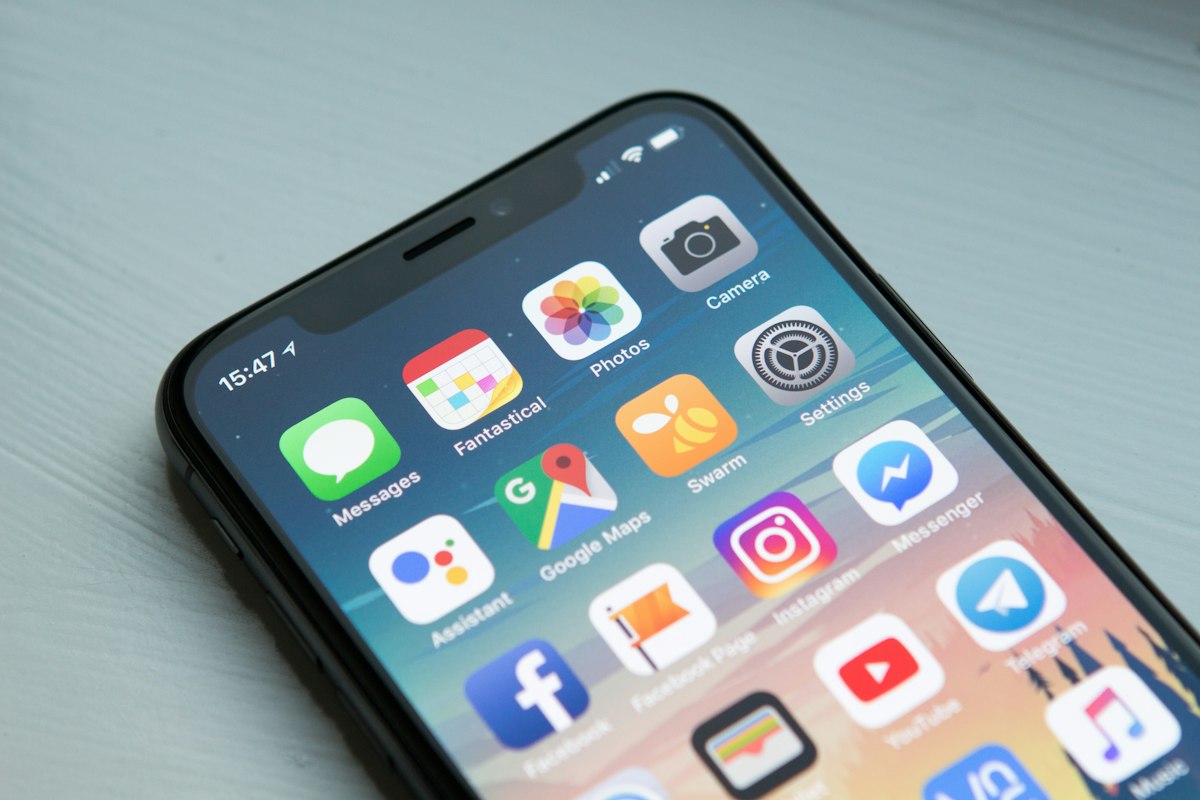
iPhone RepairFrom iPhone 12 to the latest models: full diagnosis of startup failure, logic board, Face ID, cameras, speakers and system faults, with one inspection and a clear quote.
Shop G81B, G/F, Sin Tat Plaza, Mong Kok · Over 20 years of phone repair experience
A specialist repair shop on the ground floor of Sin Tat Plaza, 83 Argyle Street, Mong Kok. We handle iPhone screens and batteries, liquid damage, charging ports, data recovery, and Samsung, iPad, MacBook and Google Pixel repairs in one place. Free inspection and a clear quote before work starts with your approval. Most phone repairs are ready for same-day collection in 20–30 minutes, with written warranties on major repairs.
Understand in one minute
Quick answer: For phone repairs in Mong Kok, visit Mobile Repair Pro Shop at Shop G81B, G/F, Sin Tat Plaza, 83 Argyle Street, Mong Kok, Kowloon, Hong Kong. Use MTR Mong Kok Station Exit D2. We open daily 11:00–20:00. We inspect free of charge, identify the cause and quote before starting with your approval. Prices are clear throughout, with no hidden charges. iPhone screen replacement and iPhone Battery Replacement Most completed in 20–30 minutes, iPad Repair and Samsung Repair Most completed within 1 hour, Phone liquid damage depends on the extent of damage. Before visiting, WhatsApp +852 9839 0831 with your model and fault so we can prepare parts.
About our shop
We have permanent premises in Sin Tat Plaza, Mong Kok, with on-site technicians, rather than a mobile stall. Every device is inspected and the plan and price explained before you approve work. We test functions before collection and provide written warranties on major repairs, with follow-up at the shop. To learn more, see Why Choose Us, or first read Phone repair guide.
Over 20 years' experience, a permanent physical shop, written warranties and quality-checked parts. Most repairs are ready for same-day collection.
Choosing a repair shop, 5 pre-screen-replacement checks, battery-health thresholds and the critical first hours after liquid exposure.
Our phone repair services
Covering iPhone, iPad, MacBook, Samsung and Google Pixel, with on-site technicians, quality-screened parts and written warranties. Choose your device's problem below for the detailed repair process, FAQs and precautions, or visit All repair services overview.
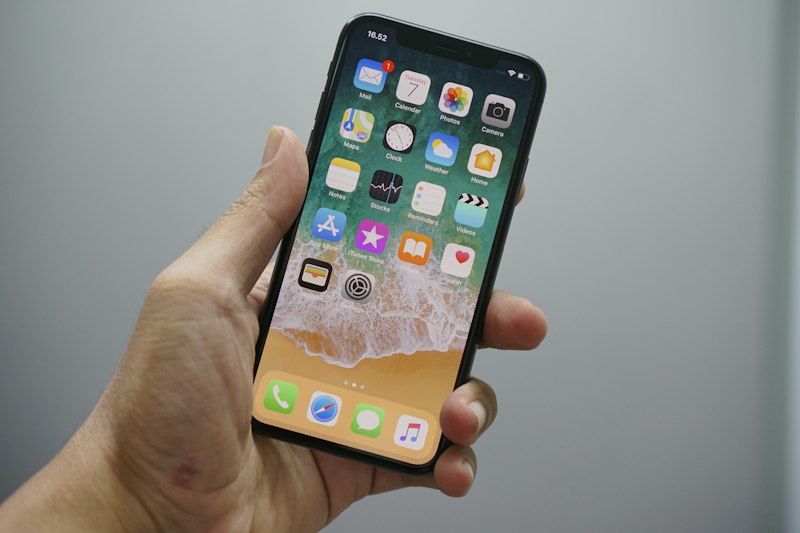
From iPhone 12 to the latest models: full diagnosis of startup failure, logic board, Face ID, cameras, speakers and system faults, with one inspection and a clear quote.
Cracked glass, damaged panels, black screens, green lines or touch faults: original-quality OLED replacement, with Face ID and True Tone tested on site. Most take 20–30 minutes.
Battery health below 80%, unexpected shutdowns, heat or rapid drain? Quality on-site replacement in as little as 15–30 minutes, with charging and discharging tested before collection.
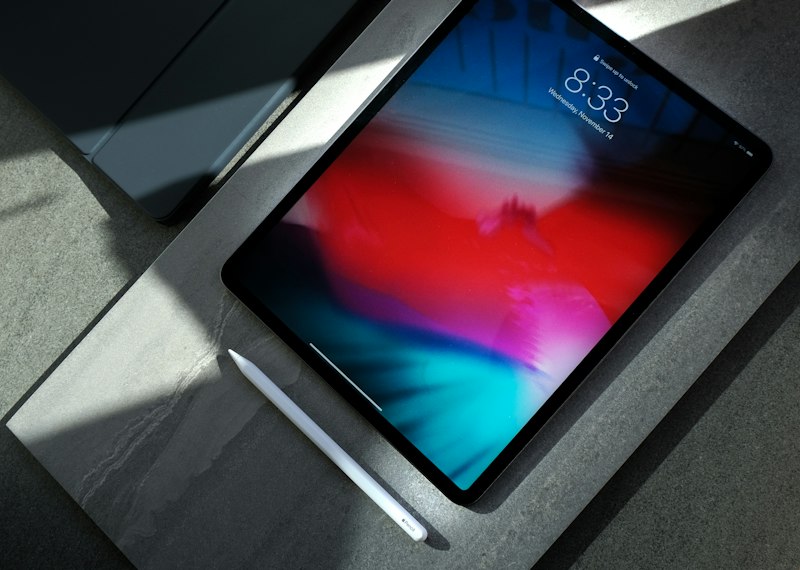
Screen and battery replacement plus full function checks for iPad, iPad Air and iPad Pro. We test Apple Pencil writing and pairing before collection. Most repairs take under 1 hour.
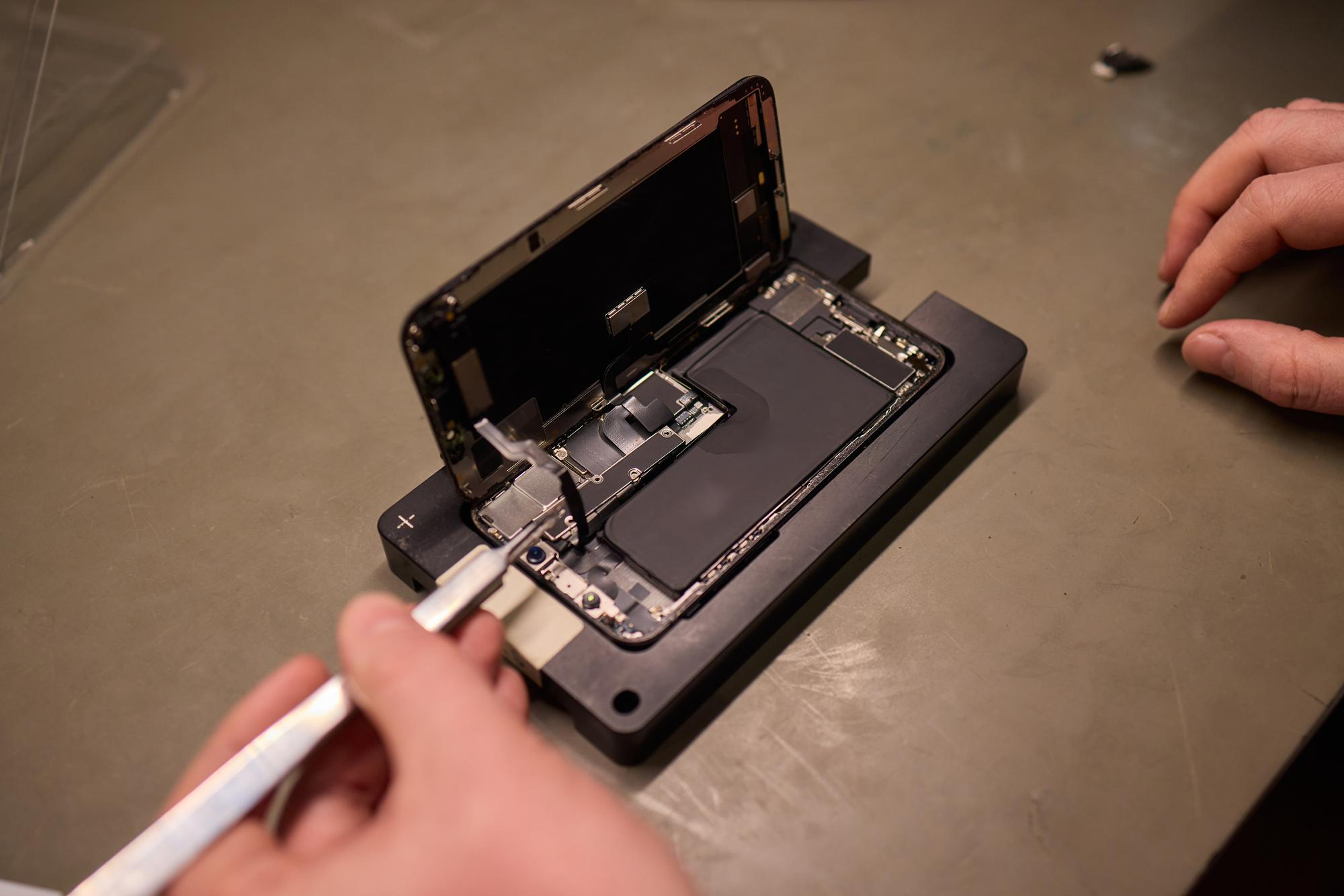
Keyboard faults, swollen batteries, cracked screens or startup failure after liquid exposure: experienced technicians open and inspect the logic board, then provide a written quote before work.
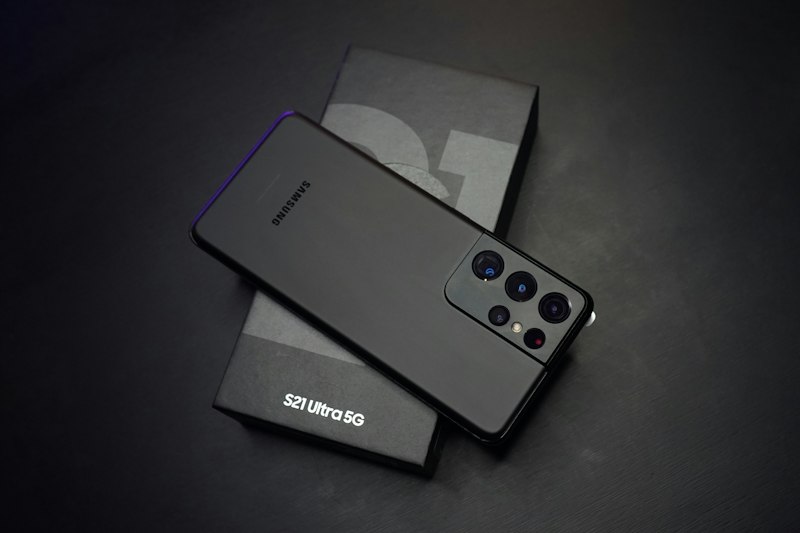
Galaxy S, Note and A series, plus Z Fold and Z Flip foldables: AMOLED display, battery and logic board repairs, followed by under-display fingerprint and camera testing.
Pixel screen damage, ageing batteries, charging faults and liquid damage: professional inspection and on-site repairs, most completed within 1 hour.
Phone will not start, gets hot or draws excessive current after liquid exposure? We open it, chemically clean the board and repair shorted areas, prioritising a backup once it starts.
Phone will not charge, needs a particular angle or cuts in and out? We identify dust, corrosion or flex cable damage before cleaning or replacing the charging-port flex cable, then test it on site.
Pre-repair backups or recovery of photos, contacts and files after liquid damage, startup failure or board faults. We assess feasibility and report results honestly.
For freezing, stalled updates, app crashes, slow response or account lockouts, we distinguish software from hardware issues first. Many can be resolved without replacing parts.
Self-checks for faults
Not sure what your phone needs? Match the symptoms below to possible causes and repair pages. A technician must confirm the actual cause; our inspection is free.
| Symptoms you notice | Common causes | Recommended repair approach |
|---|---|---|
| Cracked glass, black screen, green lines, white or distorted display, or touch failure | Damaged outer glass or OLED / LCD display assembly | iPhone screen replacement / Samsung screen replacement / iPad screen replacement |
| Rapid drain, unexpected shutdowns, heat or battery health below 80% | Chemical ageing reduces maximum capacity | iPhone Battery Replacement / Pixel battery replacement |
| Startup failure, restarts, excessive current draw, speaker or camera failure after liquid exposure | Liquid causes short circuits and metal-contact corrosion | Phone liquid damage repair+Data recovery |
| Will not charge, needs a particular cable angle or charges intermittently | Port dust, corrosion or a damaged charging flex cable | Charging Port Repair |
| Stalled system updates, frequent app crashes or generally slow response | Abnormal system files or settings | Software Troubleshooting |
| Completely unresponsive and will not turn on, with no liquid exposure | Battery, logic board or system fault; internal inspection needed to distinguish them | iPhone Repair / Samsung Repair |
| Device broken or unable to start; urgently need photos and contacts | Logic board failure prevents data access | Data Backup / Recovery |
| MacBook key failures, swollen batteries and screen backlight bleed | Keyboard assembly, ageing battery or screen flex cable issues | MacBook Repair |
*These are common examples only. The actual fault must be confirmed by the technician's in-person inspection.
Our Repair Process
WhatsApp your model and fault, or visit our Mong Kok shop. A technician checks the display, battery, charging port and key functions on site to identify the cause.
We explain the repair plan, parts and costs, then start after quote approval. If other issues emerge, we ask before proceeding.
On-site technicians complete most screen and battery repairs in 20–30 minutes, without leaving the device for days.
We test the display, touch, Face ID / fingerprints, charging, cameras and speakers before collection. Major repairs include a written warranty.
Why Choose Us
A permanent shop at Sin Tat Plaza, Mong Kok, not a mobile stall, with someone you can return to for follow-up.
Major repairs such as screens and batteries include a written warranty; the document states the period.
We quality-check parts before use and avoid poor components of unknown origin, reducing risks of colour differences, touch faults and battery swelling.
Most repairs take 20–30 minutes, so you can collect the phone before or after work or over a meal break.
In-Depth Guide
Last updated: October 2026
Many people immediately consider a new phone when theirs breaks, but replacement may be unnecessary. Consider three things. First, Extent of damage: if only the display, battery or charging port is faulty and the board works, repair usually costs a small fraction of a new phone. Second, Device age and performance: if the phone still meets your needs and only the battery has aged, replacement generally improves runtime and smoothness. Third, Value of your data: if many photos and work files are not backed up, repair is often more practical than replacement. Conversely, severe board corrosion or simultaneous screen, battery and board damage may bring repair costs close to replacement. Compare carefully. A free inspection and actual quote are always better than guesswork. For detailed guidance, see iPhone Repair page.
Official or authorised service uses genuine parts backed by the manufacturer, suiting users under warranty or prioritising genuine components. However, waiting may take days and out-of-warranty fees are generally higher. For example, Apple's Hong Kong website lists an estimated HK$3,249 for out-of-warranty iPhone 18 Pro screen damage (October 2026; check the latest official prices). Independent specialists, including ours, offer same-day collection, clear pricing and acceptance of expired warranties, parallel imports, used phones and previously opened devices. This suits urgent needs or out-of-warranty phones. Avoid mobile stalls without permanent premises because addresses and parts origins are difficult to verify.
| Criteria | Official / Authorised Centre | Our Shop (Independent Specialist) | Stall With No Fixed Shopfront |
|---|---|---|---|
| Turnaround | May take several days | 20-30 min, same-day for most repairs | Depends on vendor, hard to guarantee |
| Price Transparency | Official pricing | Transparent, quote confirmed before work | Transparency varies |
| Out of warranty / parallel import / previously opened | Some cases cost more or may not be accepted | Accepted — diagnosed then quoted | Accepted, but quality varies |
| Warranty Follow-up | Manufacturer warranty | Written warranty and a physical shop for follow-up | Often verbal promises only, making follow-up difficult |
*This general industry comparison is for reference only. Individual providers' terms are subject to their published information or in-person quotation.
For more about cracked screens and replacement, see iPhone display replacement; Android users can refer to Samsung Repair and Google Pixel Repair.
Under Settings → Battery → Battery Health & Charging, Maximum Capacity shows current capacity as a percentage of when new. Apple states that iPhone 14 and earlier batteries are designed to retain around 80% after 500 complete cycles under ideal conditions, rising to 1000 for iPhone 15. A cycle means cumulatively using the equivalent of 100%, not necessarily all at once. Consider replacement below 80%, with unexpected shutdowns, shutdowns in cold weather or noticeably slower apps. For details, see iPhone Battery Replacement.
After liquid exposure, switch off immediately, do not retry startup or charge, dry the outside and have a technician inspect the board promptly. Liquid causes short circuits and continuing contact corrosion, even after the outside dries. Delay reduces recovery chances. Apple states that liquid damage is excluded from its one-year limited warranty, and iPhone liquid contact indicators turn red when wet. Water and splash resistance are not permanent and weaken with normal use, so IP68 does not mean immune to water damage.
Common myth: Can rice or a hairdryer help? Neither is recommended. Rice particles and dust may enter openings; heat can drive moisture deeper and deform plastic parts or batteries. Switch off, dry the outside and seek repair promptly. See Phone liquid damage repair. For photo recovery, see Data recovery.
Not necessarily. Try another cable and charger to rule out accessories. If it still fails, dust or corrosion may be responsible and cleaning may resolve it. Replacement is needed only if the flex cable is damaged. iPhone 15 and later use USB-C, so diagnosis differs from older Lightning models. We inspect before deciding and test charging and data transfer afterwards. See Charging Port Repair.
Most mid-range and high-end Samsung phones use AMOLED displays, which may develop burn-in after prolonged static images. Once it occurs, the whole display usually needs replacing. The inner-screen protective film on Z Fold and Z Flip is part of the device's structure; do not peel it off yourself. Cracks in an iPad screen can spread even if it still works, and may cut fingers or damage Apple Pencil tips. A swollen MacBook battery is a safety concern and should be replaced promptly. See Samsung Repair, iPad Repair and MacBook Repair.
For more practical advice, see Phone repair guide and FAQ.
Supported brands
If your model is not listed or is older, WhatsApp us to check parts availability.
| Brand / series | Common repair services | Typical turnaround time | Details page |
|---|---|---|---|
| iPhone (iPhone 12 series through to the latest models) | Screen, battery, charging port, liquid damage, logic board, Face ID and system issues | Most screen / battery replacements take 20–30 minutes | iPhone Repair |
| Samsung Galaxy S / Note / A / Z Fold / Z Flip | AMOLED display, battery, fingerprint sensor and logic board | Most within 1 hour | Samsung Repair |
| Google Pixel | Display, battery, charging and liquid damage | Most within 1 hour | Pixel repairs |
| iPad / iPad Air / iPad Pro | Screen replacement, battery replacement and functional faults | Most within 1 hour | iPad Repair |
| MacBook | Keyboard, battery, display and liquid-damaged logic board | Simple repairs may be same-day; board-level work takes longer | MacBook Repair |
*Times are general estimates and depend on the model, extent of damage and parts availability.
Customer Reviews
Screen swap was fast — 30 minutes and the price matched the quote exactly, no surprises.Ms. Chan iPhone Screen Replacement
My iPhone wouldn't turn on after water damage — they managed to recover all my photos and contacts.Mr. Lee Phone liquid damage repair
They explained the warranty clearly before the battery swap — very professional service.Ms. Wong iPhone Battery Replacement

Shop location
A permanent shop with on-site technicians and free inspections. Convenient for residents of Mong Kok, Prince Edward, Yau Ma Tei and Tai Kok Tsui.
FAQ

WhatsApp your model and fault details, with photos if available, or visit our Sin Tat Plaza shop in Mong Kok for a free inspection.
Get In Touch